Suggested scene brief
Create an architectural fashion image in a brutalist concrete colonnade. Place one figure in a long burnt-orange coat against cool stone, with diagonal sunlight and a strong vanishing point.
Use this prompt in Studio ↗ Aimagi
An orange silhouette moves through a repeating concrete colonnade. Recreate this product scene in Aimagi and keep the exact product consistent across every shot.
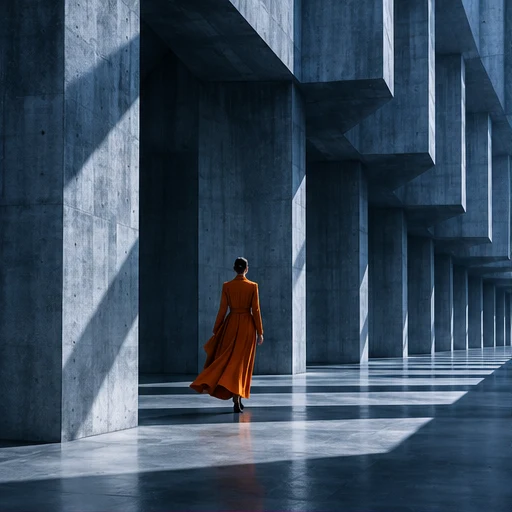
An orange silhouette moves through a repeating concrete colonnade. This example is part of Aimagi's AI product photo library. Open the Studio with the suggested prompt, then reuse the result as a reference to generate lighting and framing variations of the same product.
Create an architectural fashion image in a brutalist concrete colonnade. Place one figure in a long burnt-orange coat against cool stone, with diagonal sunlight and a strong vanishing point.
Use this prompt in Studio ↗Open the Studio, start with one product image and use this brief: Create an architectural fashion image in a brutalist concrete colonnade. Place one figure in a long burnt-orange coat against cool stone, with diagonal sunlight and a strong vanishing point. Then reuse the result as a reference to change lighting, set and framing.
Yes. Aimagi preserves the product silhouette, materials and details across turns. Reuse a generated result as a reference in the next generation while you change the lighting, set or aspect ratio.