Suggested scene brief
Make a bold beverage campaign image featuring an unbranded red can, blue ice, and water droplets frozen in motion. Use a saturated pink background and crisp studio lighting.
Use this prompt in Studio ↗ Aimagi
A vivid red can surrounded by blue ice and suspended droplets. Recreate this product scene in Aimagi and keep the exact product consistent across every shot.
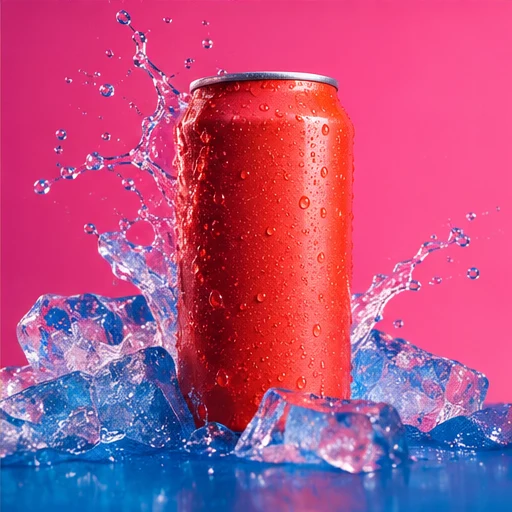
A vivid red can surrounded by blue ice and suspended droplets. This example is part of Aimagi's AI product photo library. Open the Studio with the suggested prompt, then reuse the result as a reference to generate lighting and framing variations of the same product.
Make a bold beverage campaign image featuring an unbranded red can, blue ice, and water droplets frozen in motion. Use a saturated pink background and crisp studio lighting.
Use this prompt in Studio ↗Open the Studio, start with one product image and use this brief: Make a bold beverage campaign image featuring an unbranded red can, blue ice, and water droplets frozen in motion. Use a saturated pink background and crisp studio lighting. Then reuse the result as a reference to change lighting, set and framing.
Yes. Aimagi preserves the product silhouette, materials and details across turns. Reuse a generated result as a reference in the next generation while you change the lighting, set or aspect ratio.